
NOW ON D.A.B
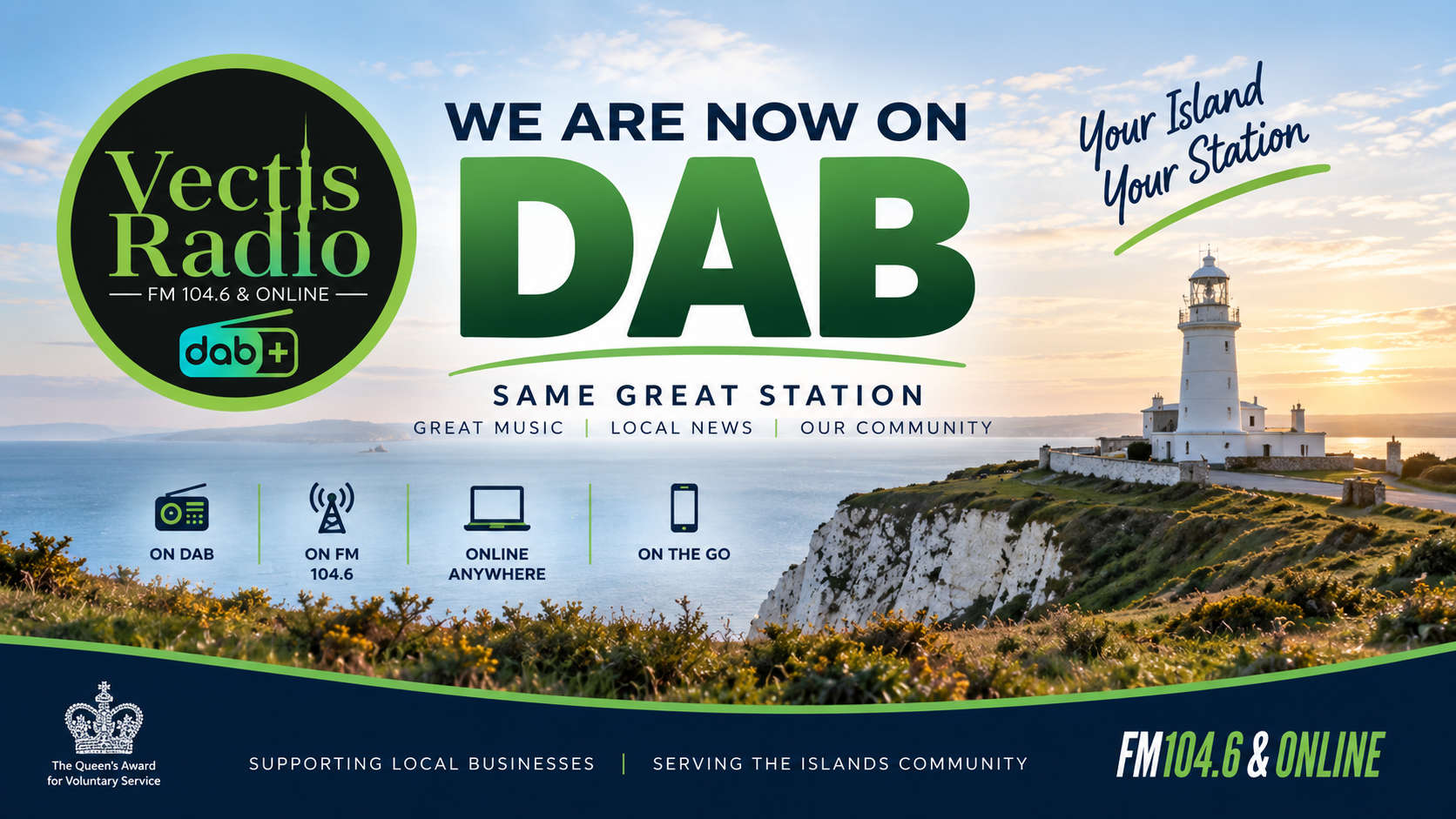
Vectis Radio launched its DAB service on April 18, 2026, on the Isle of Wight’s new small-scale DAB multiplex, requiring a full retune on compatible DAB radios to pick it up.
Recent engineering work may have temporarily affected reception, so retune after placing your radio in a strong signal area near a window.
Follow these general steps, as no station-specific multiplex details (like block number) are published yet—Vectis Radio advises tuning in directly via vectisradio.com.
Preparation
Ensure your DAB radio or DAB-enabled hi-fi/car unit supports the local Isle of Wight multiplex (recent small-scale DAB rollout).
Fully extend the telescopic aerial and position the radio high up, ideally outdoors or by a window facing the transmitter for best signal.
Power on the radio and switch to DAB mode if it has multiple options (e.g., FM/DAB).
Auto-Tune Process
Press the “Auto-Tune,” “Auto-Scan,” “Full Scan,” or “Retune” button—many radios have this dedicated button.
If no button, go to Menu > Scan/Auto-Tune > Full scan (not quick scan, to catch new stations like Vectis).
The radio scans for 1-2 minutes; Vectis Radio should appear alphabetically in the station list once found—scroll to select it.
Troubleshooting
If not found, try a manual retune or reset: Menu > System/Factory Reset > then full scan again.
Check coverage at your postcode using Digital Radio UK’s coverage checker or confirm with Vectis Radio’s site/Facebook for updates.
For car DAB, park in an open area and retune similarly via the head unit menu



LATEST 4PS PODCASTS
-
 Gilbert Greaves - Intro.
Gilbert Greaves - Intro.
-
St Georges School - how microsoft developed every xbox game console
St Georges School - how microsoft developed every xbox game console
-
St Georges School - Callum's Fabulous weekend.
St Georges School - Callum's Fabulous weekend.
-
St Georges School - Dylan Titanic
St Georges School - Dylan Titanic
